The Best Laptops for Content Creation: Power Meets Portability

Best laptop for content creation and video editing has been the quest for many creators seeking both power and portability without compromising on performance. In today's digital landscape, balancing these features is key for those creating compelling content and editing high-resolution videos on the go. Here’s a quick look at top choices:
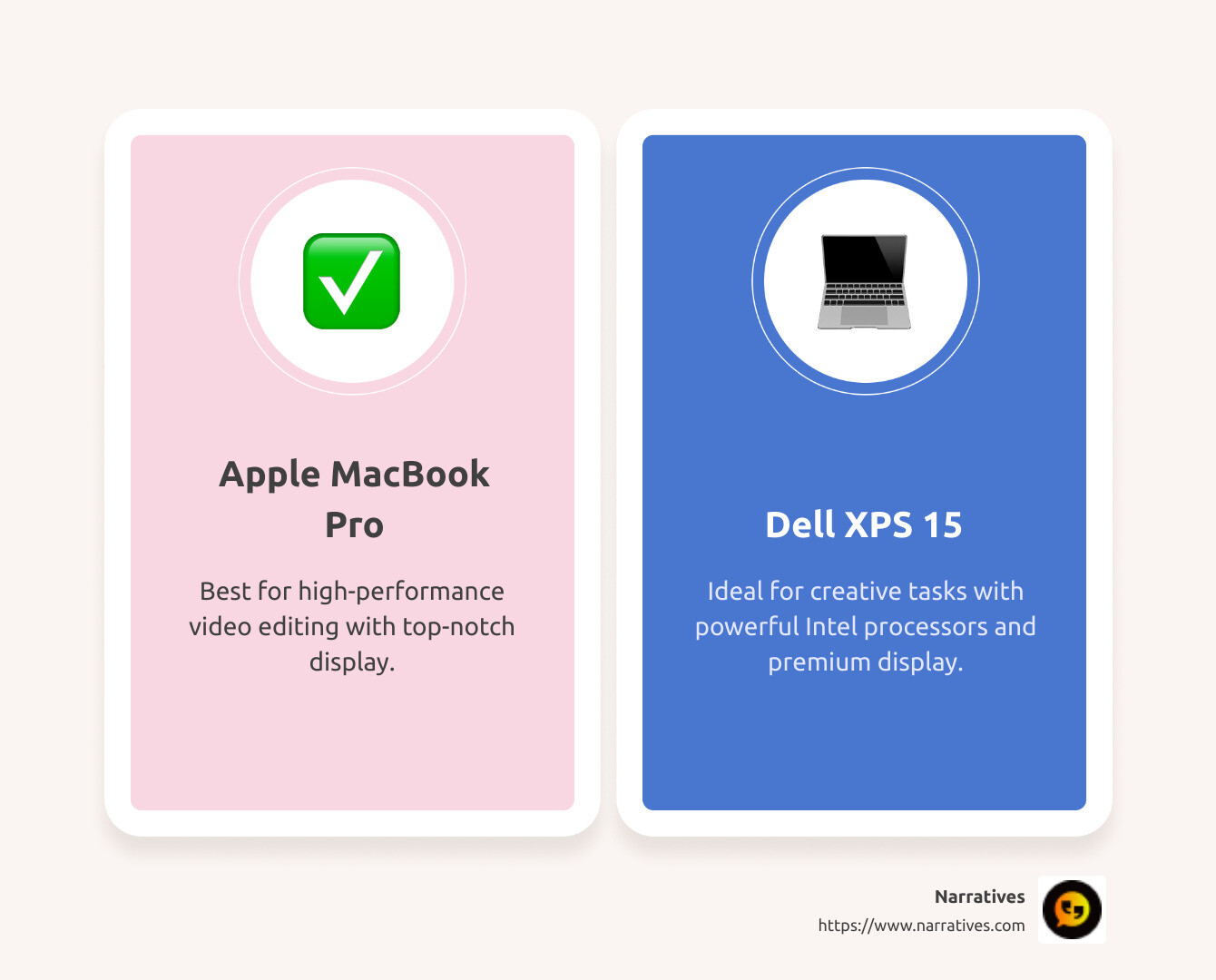
- Apple MacBook Pro (16-inch, M1 Pro/Max): Exceptional performance and display quality, perfect for video editing.
- Dell XPS 15 (2023): Powerful Intel processors and a premium display, great for demanding creative tasks.
- Microsoft Surface Laptop Studio: Versatile, with a unique design and stylus support, ideal for digital artwork.
In content creation, having a laptop that can handle heavy editing software, render complex graphics, and still be lightweight enough to carry to a shoot or a meeting is invaluable. Creators are not only looking for raw power but also sleek design, long battery life, and vivid display quality to ensure precise editing. Laptops like the MacBook Pro with its robust build or the Dell XPS known for its excellent screen resolution cater to these needs. A creator’s laptop isn’t just a tool—it's a partner in storytelling and creativity, enabling storytellers to capture their vision anytime, anywhere.
For those who need a deeper dive, below this introduction, we explore more laptops that embody the ideal blend of performance and portability, catering specifically to the unique needs of storytellers and content creators.
Know your best laptop for content creation and video editing terms:
Understanding the Needs of Content Creators
When it comes to content creation and video editing, creators need laptops that can keep up with their demanding tasks. Here are the key factors that matter most:
Performance
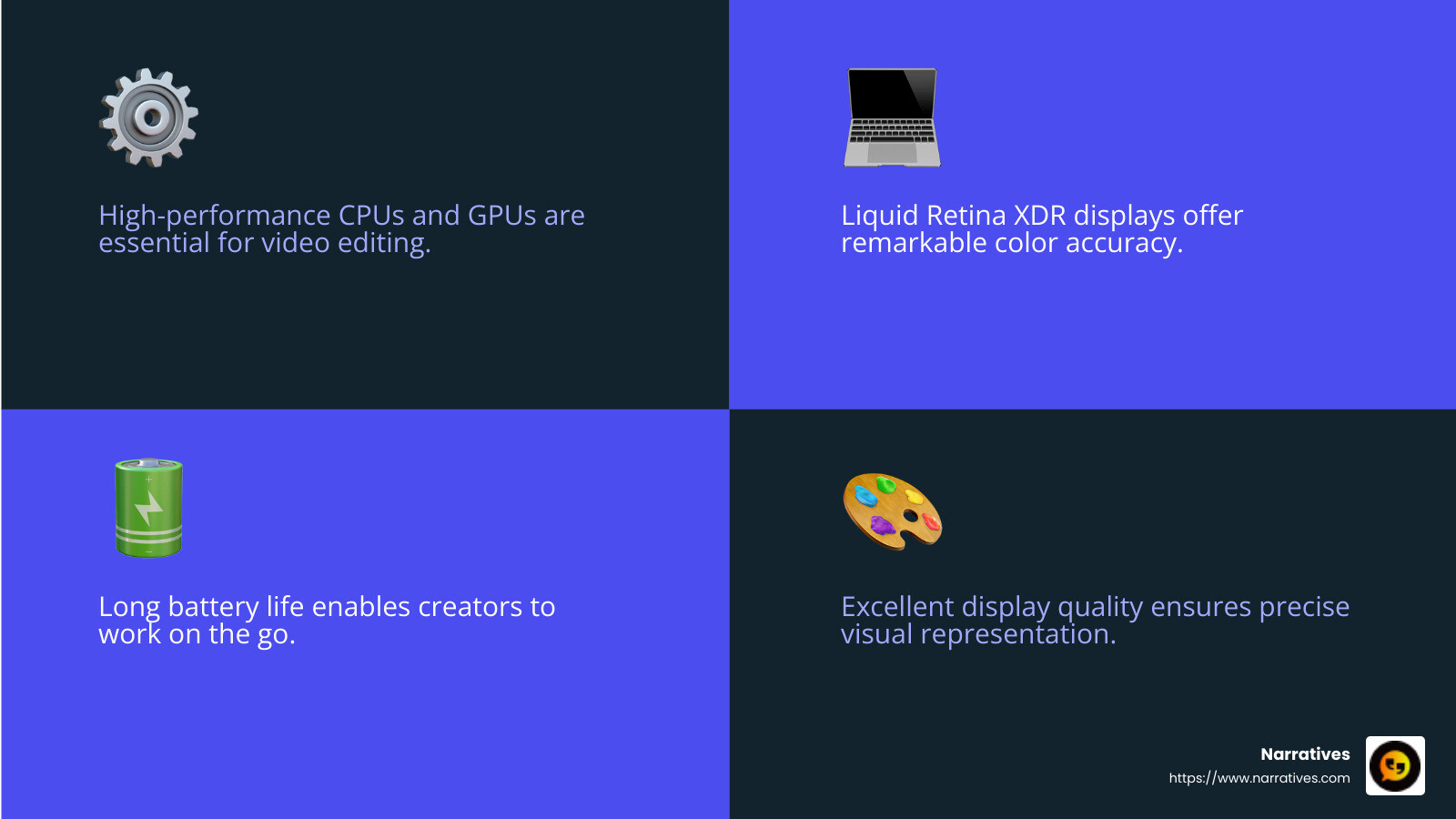
For creators, performance is everything. Whether you're editing high-resolution videos or rendering 3D graphics, your laptop needs to handle these tasks smoothly. This is where powerful CPUs and GPUs come into play. For instance, the Apple MacBook Pro with its M1 Pro/Max chips and up to 32-core GPUs offers incredible performance, making it a top choice for intensive tasks like video editing and graphic design. Similarly, the Asus ProArt P16 with its Ryzen 9 processor and Nvidia RTX graphics card provides the horsepower needed for complex projects.
Display Quality
A laptop's display is crucial for content creators who need precise color accuracy and high resolution. The Apple MacBook Pro features a Liquid Retina XDR display, providing exceptional color accuracy and brightness. This makes it perfect for visual creators who need to see every detail clearly. Meanwhile, the Dell XPS 15 offers a 4K OLED display option, known for its excellent color accuracy and vibrant visuals. Such displays ensure that what you see on your screen is exactly what your audience will see.
Battery Life
Content creators often work on the go, so battery life is vital. The ability to edit videos or work on projects without constantly searching for an outlet can significantly boost productivity. The Apple MacBook Pro (M4 Pro) stands out with its impressive battery life, lasting over 21 hours in tests. This means you can work through a full day without worrying about running out of power.
In summary, the best laptops for content creation and video editing combine top-notch performance, stunning display quality, and long-lasting battery life. These features ensure that creators can produce their best work without technical limitations interrupting their creative flow.
Best Laptop for Content Creation and Video Editing
When it comes to finding the best laptop for content creation and video editing, two standout choices are the Apple MacBook Pro and the Asus ProArt P16. Both offer unique features that cater to the demanding needs of creators.
Apple MacBook Pro
The Apple MacBook Pro is a powerhouse for content creators. Its M4 Pro chip delivers blazing-fast performance, making it ideal for tasks like editing 4K videos, rendering complex graphics, and running resource-intensive software. The MacBook Pro's Liquid Retina XDR display offers stunning color accuracy and brightness, ensuring that creators see their projects in true-to-life colors.
One of the MacBook Pro's standout features is its battery life. With up to 21 hours of usage, creators can work all day without needing a charge. This is crucial for those who travel frequently or work in locations where power outlets are scarce.
Asus ProArt P16
The Asus ProArt P16 is another excellent choice for creators, especially those who prefer Windows-based systems. It's equipped with a powerful Ryzen 9 processor and Nvidia RTX graphics card, providing the muscle needed for heavy-duty editing and rendering tasks.
The ProArt P16 features a vivid OLED display, which is known for its deep blacks and vibrant colors. This makes it a great option for video editors and designers who need precise color representation.
However, it's important to note that the ProArt P16's battery life is not as long-lasting as the MacBook Pro's. It offers about 10.5 hours, which is decent but may require more frequent charging for all-day use. Additionally, its larger power brick can be cumbersome, making it less portable than some other options.
Both the Apple MacBook Pro and Asus ProArt P16 are top contenders for content creators. They offer exceptional performance, display quality, and features that cater to the unique needs of video editors and designers. Choosing between them ultimately depends on your operating system preference and specific workflow requirements.
Top Picks for Content Creators
Choosing the right laptop can make all the difference for content creators. Here, we dive into three top picks that balance performance and portability, each with unique strengths.
Apple MacBook Pro 16-inch
The Apple MacBook Pro 16-inch with the M4 Pro chip is a dream for content creators. This laptop isn't just fast; it's incredibly efficient. Whether you're editing high-resolution videos or working on complex graphics projects, the M4 Pro chip ensures everything runs smoothly.
Battery Life: Expect up to a staggering 21 hours of battery life. This means you can work or create on the go without worrying about finding a power outlet.
Display: The Liquid Retina XDR display is a game-changer. It offers exceptional brightness and color accuracy, making sure your creations look as vibrant as intended.
Asus ProArt P16
For those who prefer Windows, the Asus ProArt P16 is a fantastic option. It combines power and precision, making it perfect for demanding creative tasks.
Processor and Graphics: With a Ryzen 9 processor and Nvidia RTX graphics card, this laptop handles heavy editing and rendering tasks with ease.
OLED Display: The OLED screen provides deep blacks and vibrant colors, crucial for video editors and designers who need accurate color representation.
Despite its powerful specs, the ProArt P16's battery life is around 10.5 hours. While this is decent, it may require more frequent charging compared to the MacBook Pro. Its larger power brick also makes it slightly less portable.
Apple MacBook Air 15-inch
For those on a budget but still seeking quality, the Apple MacBook Air 15-inch with the M4 CPU is a great choice. It's lightweight, making it perfect for creators on the move.
Budget-Friendly and Portable: This laptop is not only affordable but also easy to carry around, weighing just 3.3 pounds.
Performance: While it doesn't match the raw power of the MacBook Pro or ProArt P16, the M4 CPU is capable of handling everyday creative tasks efficiently.
The MacBook Air is ideal for creators who need a portable device for less intensive editing or those just starting in their creative journey.
Each of these laptops—whether you're drawn to the power of the MacBook Pro, the precision of the ProArt P16, or the portability of the MacBook Air—offers something unique for content creators.
Essential Features for Video Editing Laptops
When it comes to finding the best laptop for content creation and video editing, there are a few key features that stand out. Let's break down what you need to look for:
Processor
The processor, often referred to as the CPU, is the heart of your laptop. It handles all the instructions and processes required for video editing. For serious editing tasks, you need a powerful processor.
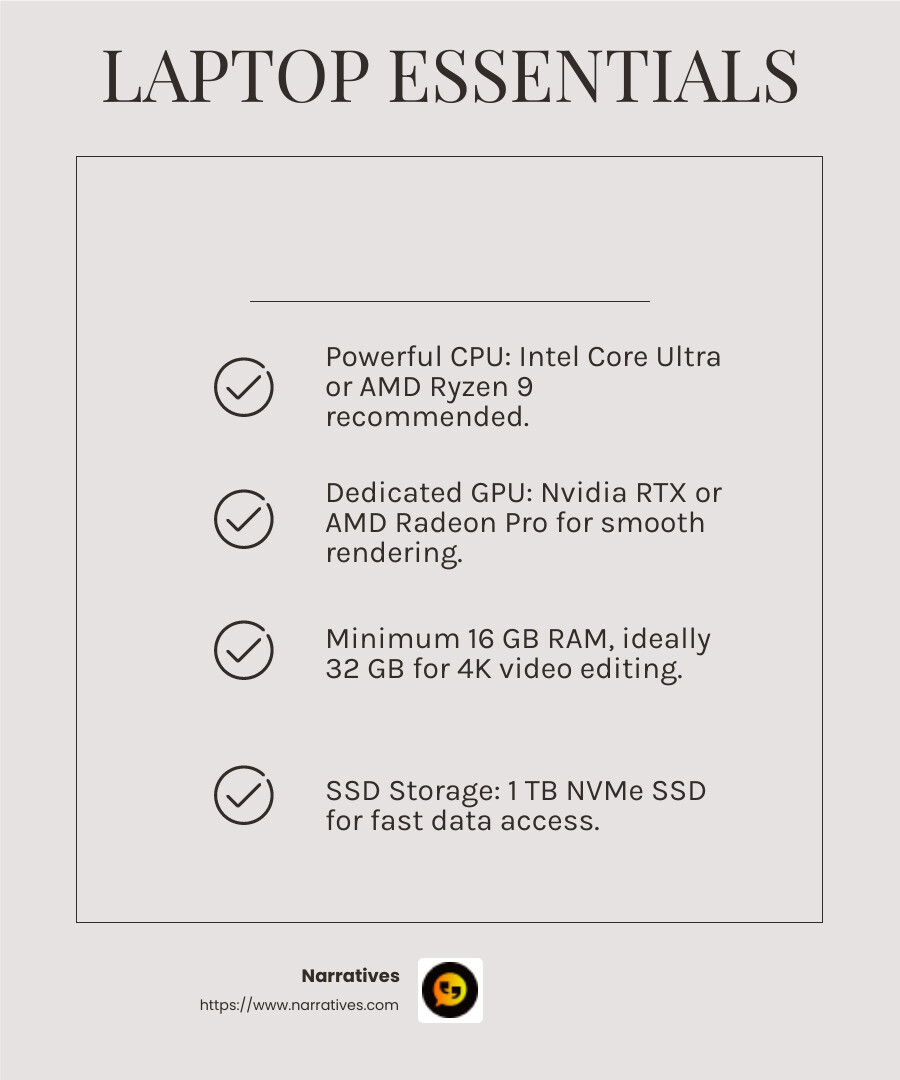
Intel and AMD: For Windows laptops, the latest Intel Core Ultra 7 or 9 chips are recommended. On the AMD front, the Ryzen 9 series shines, especially for demanding tasks.
Apple's M4 Series: For Mac users, the M4 Pro and M4 Max chips offer best efficiency and speed. They are custom-built to handle intensive creative work seamlessly.
Graphics Card
A dedicated graphics card, or GPU, is crucial for processing images and rendering videos. It takes the load off the CPU, ensuring smoother performance.
Nvidia and AMD: Nvidia's RTX series and AMD's Radeon Pro are top choices. They provide the necessary power for video editing and support advanced video formats like HEVC.
Integrated vs. Dedicated: While some laptops use integrated graphics, a dedicated GPU with its own VRAM is preferred for serious editing tasks. Aim for 4 to 8 GB of dedicated VRAM for the best results.
RAM
Memory, or RAM, plays a key role in how smoothly your video editing software runs. The more RAM you have, the better your laptop can handle multiple tasks simultaneously.
- Minimum Requirements: At least 16 GB of RAM is recommended for video editing. However, if you're working with 4K video or complex projects, upgrading to 32 GB can make a big difference.
Storage
Fast and ample storage is essential for video editing. It affects how quickly your files load and how efficiently your software operates.
SSD vs. HDD: A solid-state drive (SSD) is a must for fast data access. Most new laptops come with NVMe SSDs, which are faster than traditional HDDs.
Capacity: A 1 TB SSD provides enough space for storing projects and software. If you manage large files, consider investing in external storage options to complement your laptop's internal storage.
By focusing on these features, you can ensure your laptop is equipped to handle the demands of content creation and video editing. Whether you're just starting or are a seasoned professional, the right specs will help you achieve your creative goals.
Frequently Asked Questions about Laptops for Content Creation
What is the best budget laptop for video editing?
Finding a budget-friendly laptop for video editing can be tricky, but it's not impossible. The Apple MacBook Air 15-inch with the M4 CPU is a great choice for those on a budget. It offers impressive performance and portability without breaking the bank. Its battery life is also noteworthy, allowing you to work on your projects for extended periods without needing to recharge.
For Windows users, consider laptops with at least an 8th Generation Intel Core i5 or equivalent AMD Ryzen processor. Look for models that offer discrete graphics like the Nvidia GTX or AMD Radeon series, as these will provide a smoother editing experience compared to integrated graphics.
How much RAM is needed for video editing?
RAM, or Random Access Memory, is crucial for video editing. It determines how efficiently your laptop can handle multiple tasks and large files.
Minimum Requirement: 16 GB of RAM is the entry point for video editing. This amount should suffice for basic HD editing and multitasking.
Recommended: For 4K video editing or working with complex projects, 32 GB of RAM is preferred. It allows for smoother operation and faster rendering times.
Ideal: If you're a professional working with high-resolution footage or using resource-intensive software, consider 64 GB of RAM to ensure your laptop can handle anything you throw at it.
What display features are important for content creation?
The display is a vital component for content creators, as it directly affects how you view and edit your work. Here are the key features to consider:
Resolution: A 4K (3840 x 2160) display is ideal for video editing, providing sharp and detailed visuals. If you're working with 2K or higher video, a "higher than Full HD" screen is essential.
Color Accuracy: Look for screens with high color accuracy, such as those with 100% DCI-P3 color coverage. This ensures the colors you see on your screen match the final output, whether for print or digital.
Panel Type: OLED displays, like those found in the Asus ProArt P16, offer deep blacks and vibrant colors, enhancing your editing experience. IPS panels are also a good choice, providing wide viewing angles and consistent color reproduction.
By focusing on these features, you can ensure your laptop is equipped to handle the demands of content creation and video editing. Whether you're just starting or are a seasoned professional, the right specs will help you achieve your creative goals.
Conclusion
At Narratives, we believe in the power of storytelling to drive change and inspire action. For non-profits and purpose-driven organizations, sharing impactful stories through high-quality video content is crucial. Our mission is to lift underrepresented voices by helping these organizations create emotionally resonant multimedia content.
Partnering with us means leveraging the best tools for content creation and video editing. We understand the importance of having the right laptop to bring your stories to life. Whether it's the Apple MacBook Pro with its stunning display and robust performance, or the Asus ProArt P16 with its powerful Ryzen processor and vibrant OLED screen, the right technology can make all the difference.
In our work with non-profits, we focus on creating content that not only captures attention but also builds trust and increases visibility. By choosing the best laptops for content creation, we ensure that your stories are told with clarity and impact, reaching the audiences that matter most to your mission.
If you're ready to amplify your organization's voice and make a meaningful difference, learn more about how we can help. Let's craft stories that inspire and transform communities together.

.avif)