Music Video Magic: Apps to Bring Your Songs to Life
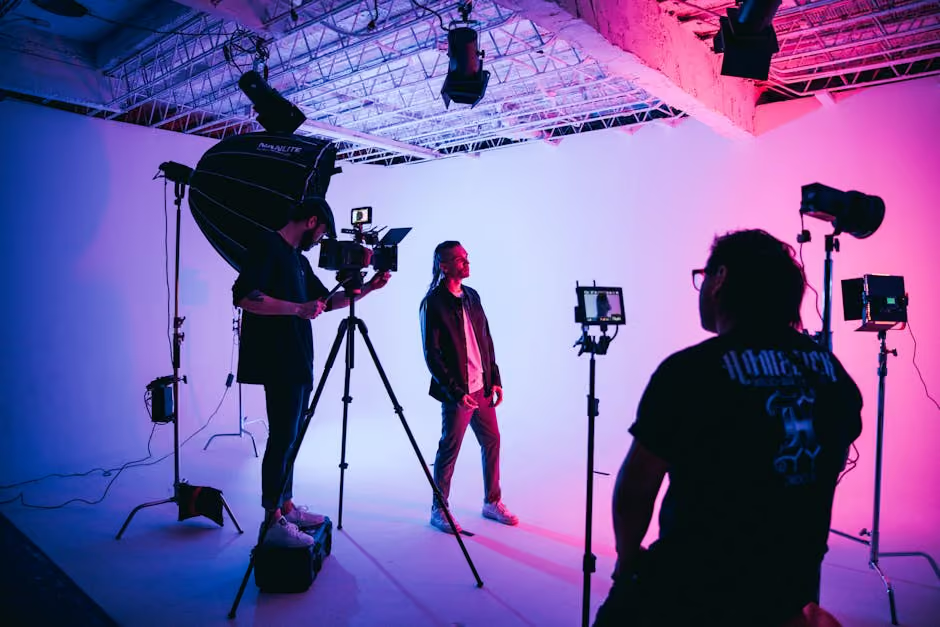
Finding the best music video creator app can transform your storytelling and amplify your message. Whether you're an organization seeking to highlight your mission through impactful content or a value-driven brand focusing on advocacy, having the right tools is crucial.
Here’s a quick look at some top contenders for both mobile and desktop platforms that excel in video editing and music integration:
- Mobile Apps: LumaFusion, Adobe Premiere Rush, InShot, KineMaster, CapCut
- Desktop Apps: Adobe Premiere Pro, DaVinci Resolve, Final Cut Pro, HitFilm Express
Creating a music video isn't just about pairing visuals with a track. It's about weaving a narrative that resonates with audiences and leaves a lasting impact. From non-linear editing and color grading to seamless audio integration, these tools offer features that can turn your creative vision into reality.
In the field of digital storytelling, especially for non-profit organizations and social impact initiatives, leveraging video can make all the difference. It helps translate the essence of your mission into compelling, shareable content that can spark donations, awareness, and community growth.
Whether you are an agency looking for collaboration or a brand aiming to create engaging advocacy content, finding the right app is the first step towards crafting authentic, emotional, and effective narratives.
Glossary for best music video creator app:
Best Music Video Creator Apps for Mobile
When it comes to creating captivating music videos on your mobile device, having the right app can make all the difference. Let's explore some of the best music video creator apps that are perfect for on-the-go editing and music integration.
LumaFusion
LumaFusion is a top choice for those serious about mobile video editing. This app offers professional-grade tools right at your fingertips, making it ideal for creating polished, high-quality music videos. With its intuitive interface, you can easily arrange clips, add transitions, and tweak audio to fit your vision. LumaFusion's one-off purchase model means no recurring fees, making it a favorite among both hobbyists and professionals.
Adobe Premiere Rush
Adobe Premiere Rush is designed for quick and easy edits, perfect for creators who need to produce content on the fly. With its cross-platform capabilities, you can start editing on your mobile and finish on your desktop. The app includes a stock media library and integrates seamlessly with other Adobe Creative Cloud apps.
InShot
InShot is a user-friendly app that is perfect for beginners. It's known for its straightforward interface and robust editing features, including the ability to add music tracks, adjust video speed, and apply filters. InShot is a great choice if you're looking to create engaging videos for social media platforms like Instagram or TikTok.
KineMaster
KineMaster offers a comprehensive set of tools for mobile video editing. It supports multiple layers of video, images, and text, along with precise trimming and audio editing features. KineMaster is ideal for those who want to experiment with more advanced editing techniques, such as chroma keying and blending modes, right on their phone.
CapCut
CapCut is a free video editing app that's especially popular among TikTok users. It offers a wide range of editing tools, including filters, transitions, and speed adjustments. CapCut's ease of use and social media-friendly features make it a go-to option for creators looking to produce quick and captivating videos.
These mobile apps provide a variety of features to suit different needs, from simple edits to professional-grade productions. Whether you're a beginner or a seasoned editor, choosing the right app can improve your creativity and help you produce music videos that resonate with your audience.
Best Music Video Creator Apps for Desktop
When it comes to desktop video editing, the right software can transform your raw footage into a stunning music video. Here are some of the best music video creator apps that offer powerful features for desktop users.
Adobe Premiere Pro
Adobe Premiere Pro is a favorite among professional filmmakers and music video creators. Known for its versatility, Premiere Pro offers robust functionality that caters to both beginners and seasoned editors. One standout feature is its ability to handle multicam editing, allowing you to stitch together footage from various angles seamlessly. Its integration with Adobe Audition also means you can fine-tune your audio with ease. While it comes with a subscription fee, the investment is worthwhile for those serious about video production.
DaVinci Resolve
DaVinci Resolve is celebrated for its advanced color correction and grading capabilities, making it the go-to for those seeking a cinematic touch. This software is not only feature-rich but also free, which is quite remarkable given its professional-grade tools. DaVinci Resolve supports a node-based editing system, which might take some getting used to, but offers incredible flexibility once mastered. Its comprehensive suite of video and audio tools makes it an excellent choice for serious editors.
Final Cut Pro
Final Cut Pro is exclusive to Mac users and is widely acceptd by directors and music video creators. This software stands out for its multicam editing capabilities, allowing you to work with multiple camera angles effortlessly. Final Cut Pro also offers a magnetic timeline that simplifies the editing process. While it requires a one-time purchase, Mac users can take advantage of a free trial to explore its features.
HitFilm Express
HitFilm Express is perfect for those looking for a free yet powerful video editing tool. It offers a range of features that are ideal for creating music videos, including advanced VFX tools and 3D compositing. HitFilm Express also provides tutorials to help beginners get started, making it accessible to new users while still offering the depth needed for more complex projects.
These desktop apps cater to a range of editing needs, from beginner-friendly interfaces to advanced professional tools. Whether you're crafting a simple montage or a complex narrative, choosing the right software is key to bringing your music video vision to life.
Features to Look for in Music Video Creator Apps
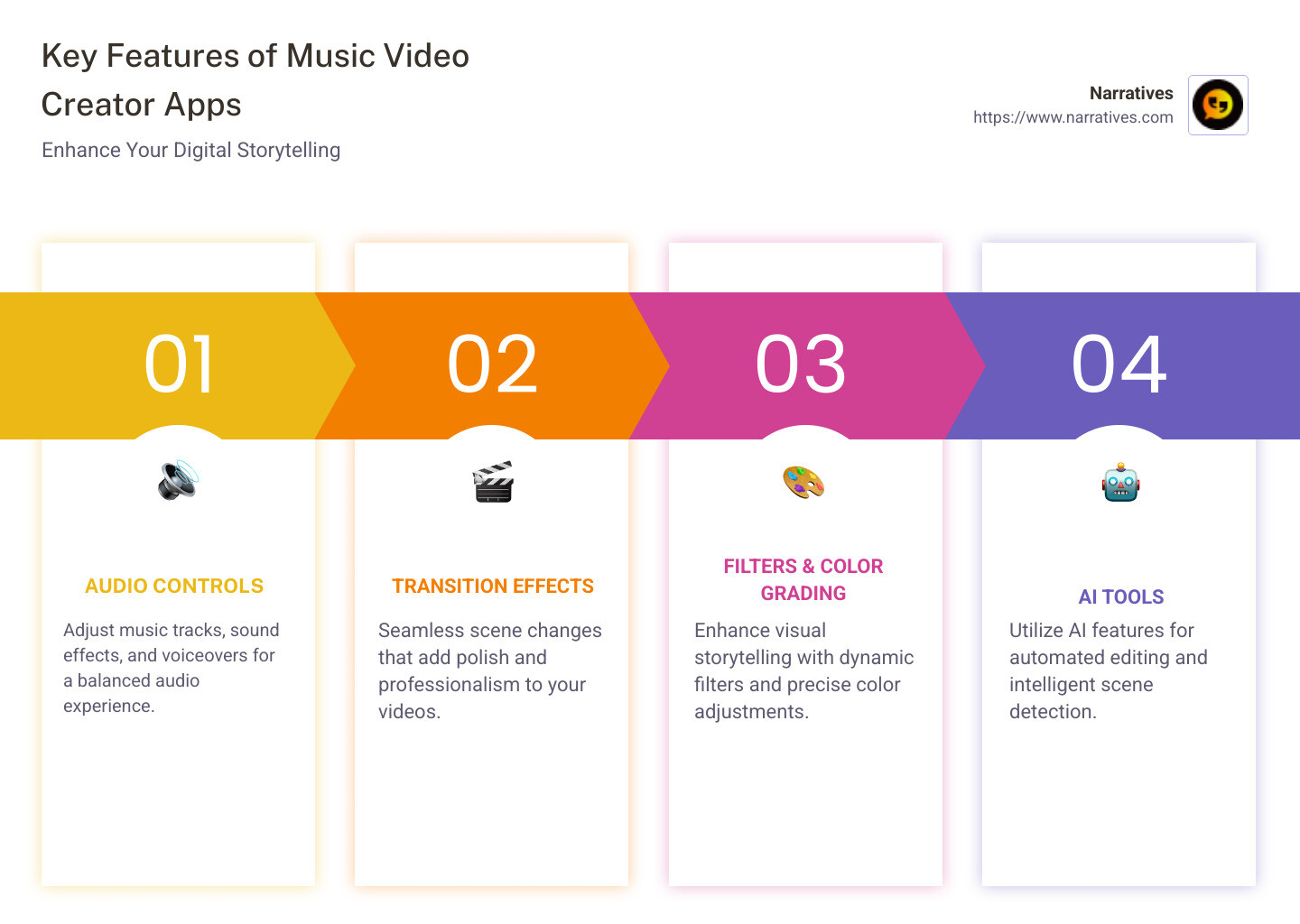
When choosing the best music video creator app, it's important to focus on features that improve both video and audio quality. Here’s what to look for:
Audio Controls
Audio is the heart of any music video. Look for apps that offer advanced audio controls. PowerDirector, for example, integrates seamlessly with AudioDirector, allowing precise audio editing and mixing. This ensures your music and vocals are crisp and perfectly synced with the visuals. Apps like KineMaster offer multiple audio tracks, giving you the flexibility to layer music, sound effects, and voice-overs.
Transition Effects
Smooth transitions can lift your video from amateur to professional. Apps like InShot provide a variety of transition effects that help create fluid scene changes. These transitions can be as simple as fades or as dynamic as wipes and zooms. The right transition effect can help maintain the viewer's engagement and improve the storytelling aspect of your video.
Filters
Filters can dramatically change the mood and tone of your music video. InShot and CapCut offer a range of cinematic filters that can transform your footage with just a few taps. Whether you're aiming for a retro vibe or a modern aesthetic, filters can help achieve the look you envision. They also allow for quick adjustments to brightness, contrast, and saturation, ensuring your video looks polished.
AI Tools
AI tools are becoming increasingly popular in video editing apps. They simplify complex editing tasks and offer creative possibilities. For instance, InShot features AI-powered tools like auto background removal and smart tracking, which can add dynamic flair to your videos. These tools are ideal for both beginners and advanced users, as they streamline the editing process and allow for more creative experimentation.
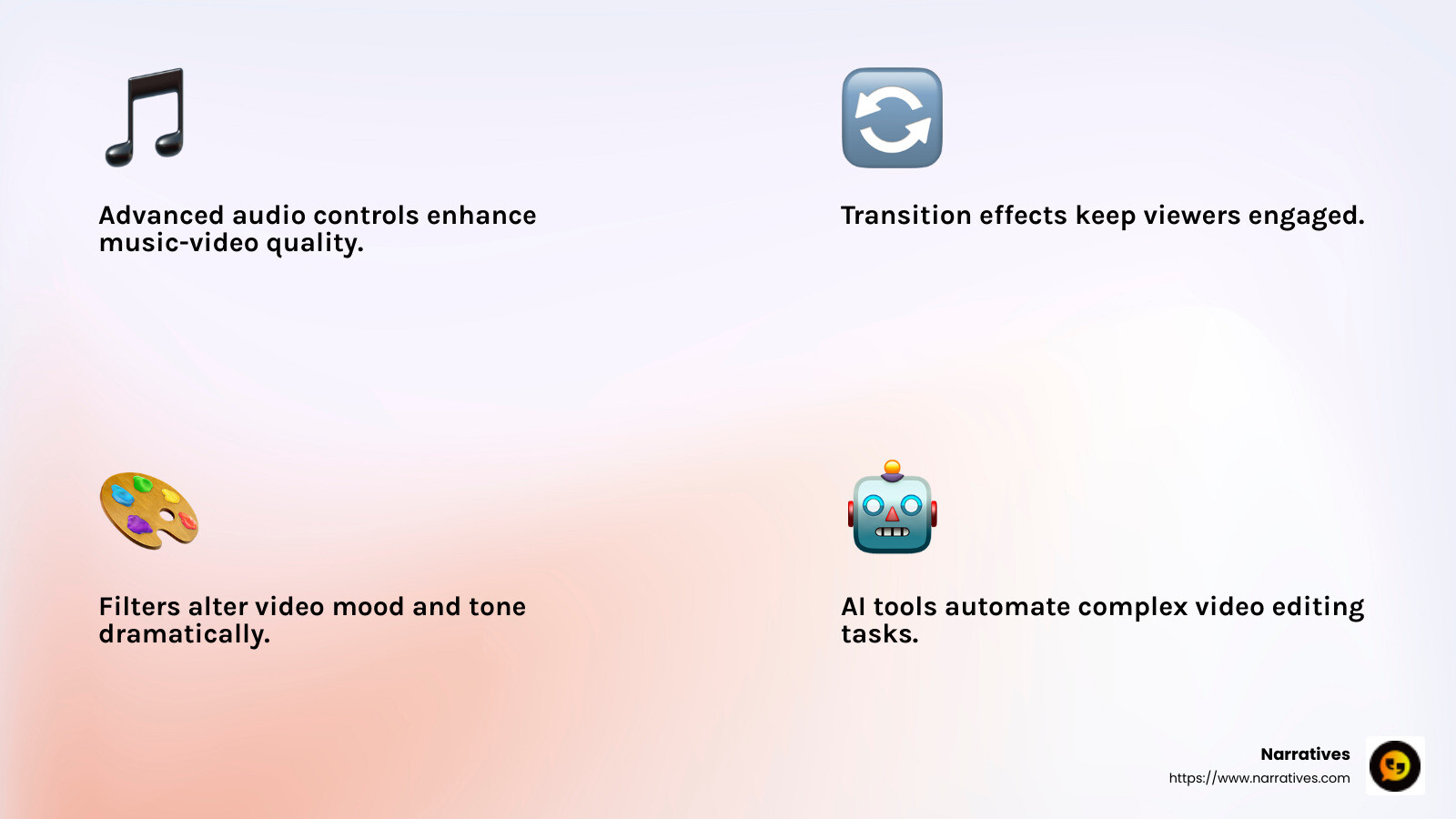
Choosing an app with the right features can make all the difference in your music video production. Whether it's seamless audio integration, stunning visual transitions, or advanced AI improvements, the right tools will help bring your creative vision to life.
How to Choose the Best Music Video Creator App
Selecting the best music video creator app can be overwhelming with so many options out there. But fear not! Here’s a simple guide to help you make the right choice by focusing on key factors like platform compatibility, user interface, pricing, and advanced features.
Platform Compatibility
First, check if the app is compatible with your device. Some apps are designed specifically for mobile platforms, like CapCut and InShot, which work seamlessly on both Android and iOS. Others, like Adobe Premiere Pro and DaVinci Resolve, cater to desktop users on Windows and Mac. Make sure the app you choose is supported by your device to avoid any technical hiccups.
User Interface
A user-friendly interface is crucial, especially if you're new to video editing. Look for apps with intuitive layouts and easy navigation. VideoPad is highly recommended for beginners due to its simple drag-and-drop timeline and straightforward design. Meanwhile, PowerDirector offers guided edits and video tutorials, making it easier to learn and master complex editing tasks.
Pricing
Budget is another important consideration. Many apps offer free versions with basic features, like DaVinci Resolve and CapCut. However, these may come with limitations like watermarks or lower resolution exports. If you need more advanced tools, consider apps with premium versions. PowerDirector Essential is a great choice as it allows you to try premium features for 30 days before committing to a purchase.
Advanced Features
Lastly, think about the advanced features you might need. If you’re planning to create high-quality music videos, look for apps with features like multicam editing, color correction, and special effects. PowerDirector is praised for its professional-grade tools and AI-powered editing options, which can significantly improve your video production quality.
By considering these factors, you can find an app that fits your needs and helps you create stunning music videos. Whether you’re a beginner or an experienced editor, the right app will make your creative process smoother and more enjoyable.
Frequently Asked Questions about Best Music Video Creator Apps
What is the best free music video creator app?
When it comes to free music video creator apps, DaVinci Resolve and CapCut are standout choices. DaVinci Resolve is renowned for its powerful color correction and video grading capabilities, making it a favorite among professionals and enthusiasts alike. Despite its advanced features, it remains free to use, offering a robust platform for creating stunning music videos without breaking the bank.
CapCut, on the other hand, is perfect for mobile users looking for a straightforward, yet powerful, editing experience. It's especially popular for social media content, offering easy-to-use tools and a variety of effects to make your music videos pop.
Can I add music to videos using these apps?
Absolutely! Adding music to your videos is a breeze with these apps. Both DaVinci Resolve and CapCut offer seamless music integration. In DaVinci Resolve, you can import audio files directly into your project and use its advanced audio editing tools to fine-tune the sound. This includes adjusting volumes, adding effects, and syncing audio with video clips for a polished finish.
CapCut simplifies the process even further with its intuitive interface. You can easily add music tracks from your device or choose from a selection of built-in options. The app also provides basic audio editing features, allowing you to trim, adjust, and sync your music effortlessly.
Are there apps suitable for beginners?
Yes, there are several apps custom for beginners, offering easy-to-use interfaces and helpful features. CapCut is a great choice for those new to video editing, thanks to its user-friendly design and simple functionality. The app provides a gentle learning curve with its drag-and-drop interface, making it easy for anyone to start editing music videos right away.
For desktop users, DaVinci Resolve might seem daunting at first due to its professional-grade features. However, it provides a range of tutorials and resources to help beginners get started. Its free version includes everything you need to create high-quality music videos, making it a valuable tool for those looking to learn and grow their editing skills.
In summary, whether you're looking for a free option, need to add music, or are just getting started, there are excellent apps available to meet your needs. These tools make it easier than ever to bring your musical vision to life.
Conclusion
Storytelling through music videos has become a powerful tool for non-profits and purpose-driven organizations. At Narratives, we specialize in elevating these stories by partnering with organizations to create compelling, high-quality video content. Our focus is on helping non-profits share their impact stories in ways that inspire action and build trust.
Digital storytelling is not just about creating visually appealing content; it’s about connecting with audiences on an emotional level. By using the best music video creator apps, organizations can craft videos that resonate with viewers, turning stories into powerful calls to action.
Non-profit partnerships are at the heart of what we do. We understand the unique challenges faced by these organizations and are committed to providing them with the tools and expertise needed to amplify their voices. Through strategic collaboration, we help non-profits increase their visibility and engage with their communities effectively.
For those looking to improve their storytelling capabilities, exploring the right video editing tools is crucial. Apps like DaVinci Resolve and CapCut offer robust features that can transform your music video projects. Whether you are a beginner or a seasoned editor, these tools provide the flexibility and functionality needed to bring your vision to life.
By choosing Narratives as your digital storytelling partner, you are not just investing in video content but also in a mission to make a difference. Together, we can create content that not only tells a story but also sparks change.
Want to learn more about how we can support your storytelling needs? Explore our services and find how we can help bring your stories to life through the magic of music videos.
.avif)