Reel It In: A Guide to Making Instagram Reels

Reel video making has exploded in popularity as a powerful tool for storytelling and audience engagement on Instagram. For non-profit organizations, social impact advocates, and values-driven brands, leveraging Instagram Reels can amplify missions and engage communities in meaningful ways. Here's a quick look at what you need to know about Instagram Reels:
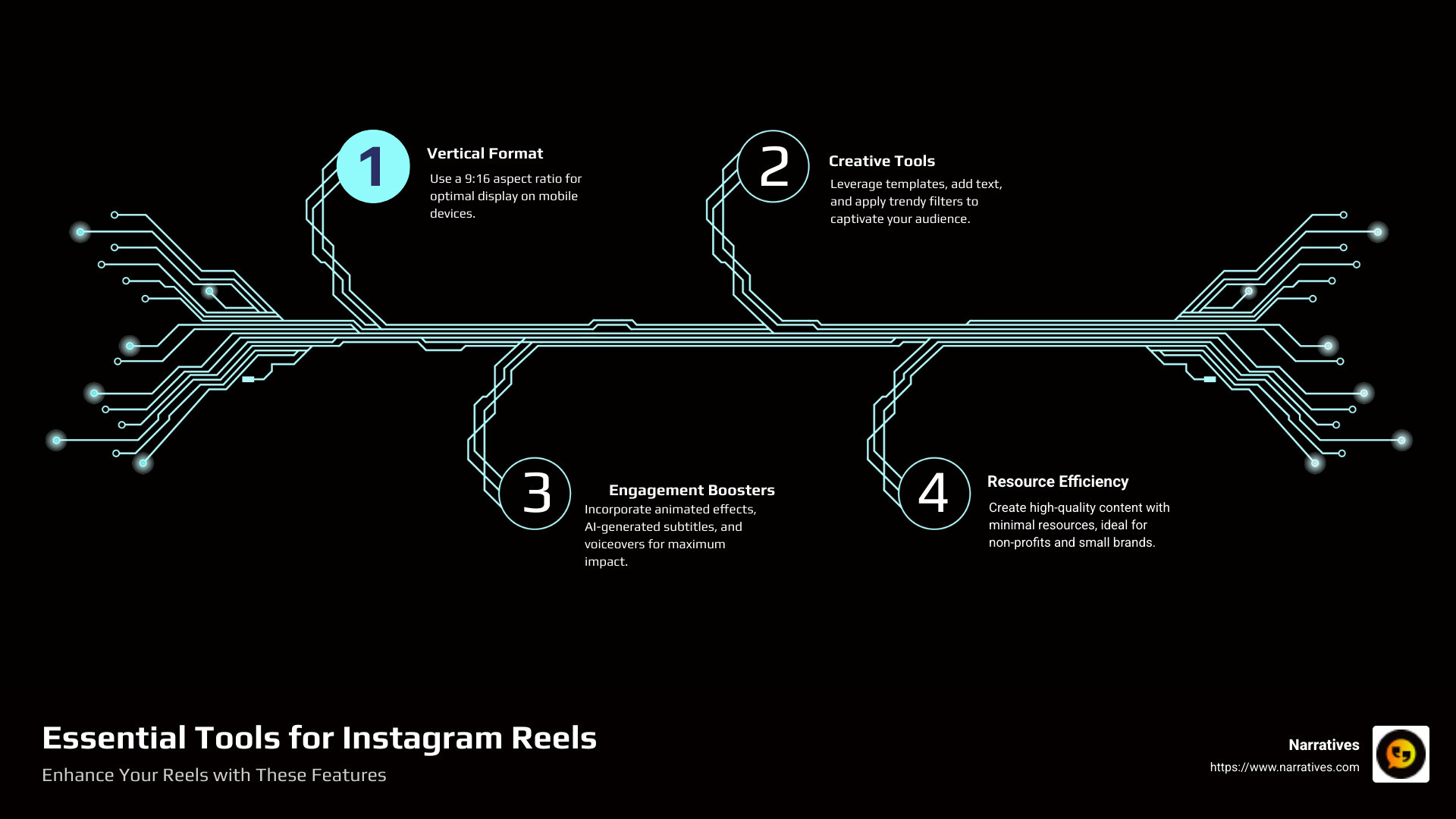
- Format: Vertical videos in a 9:16 aspect ratio.
- Length: Reels can be up to 90 seconds long.
- Creative Tools: Use ready-made templates, add text, captions, and trendy filters.
- Engagement Boosters: Animated effects, AI-generated subtitles, and voiceovers.
Instagram Reels empower organizations with limited resources to create compelling, professional-quality content that resonates with audiences and amplifies their mission. With this guide, "Reel It In: A Guide to Making Instagram Reels", we'll dive into the essentials of creating impactful Reels, their core features, and advanced techniques. You’ll find how easy it can be to craft stories that capture attention and inspire action.
Stay tuned as we explore strategies for making the most of Instagram Reels to improve your storytelling and reach.
Quick reel video making definitions:
Understanding Instagram Reels
Instagram Reels are more than just short videos; they are a creative playground for storytelling and audience connection. Let's explore the core features that make reel video making a must-try for anyone looking to engage with their audience.
Core Features
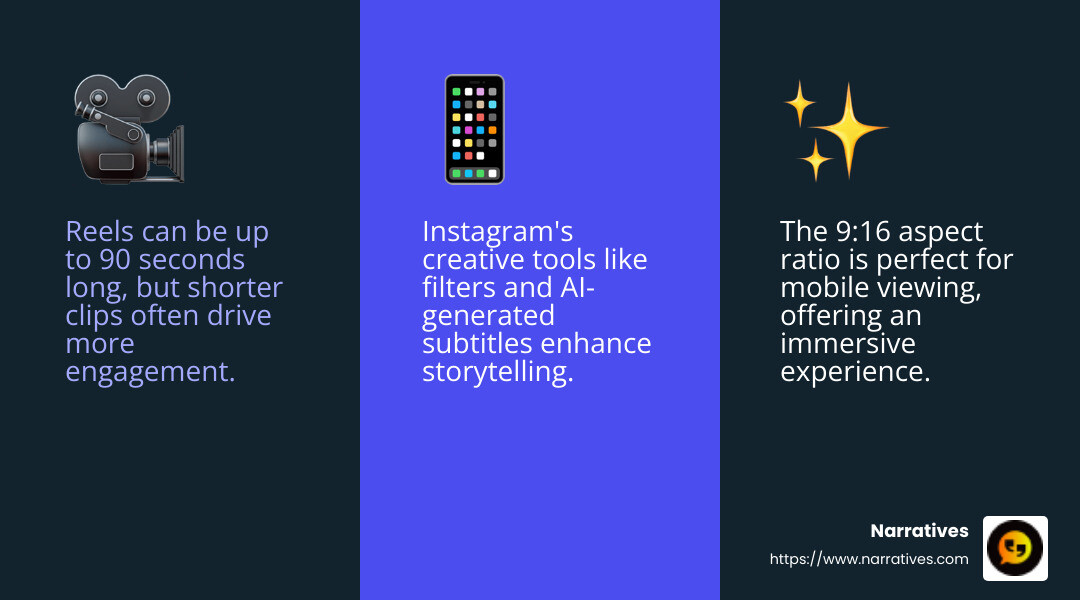
Dynamic Video Length: While Reels can be up to 90 seconds long, the sweet spot for engagement often lies in shorter clips. This brevity encourages creativity and focus, making every second count.
Vertical Format: Reels use a 9:16 aspect ratio, perfect for mobile viewing. This format ensures your content fills the screen, creating an immersive experience for viewers.
Creative Tools: Instagram provides a suite of tools to improve your Reels. From trendy filters and animated effects to AI-generated subtitles and voiceovers, these features help transform simple clips into captivating stories.
Video Uploads
Uploading videos to Instagram Reels is straightforward. You can either shoot directly within the app or upload existing footage. This flexibility allows you to capture spontaneous moments or polish your content using external editing tools before sharing.
Seamless Integration: Instagram's integration with other tools like Clipchamp makes it easy to refine your videos. You can trim, add text, and apply effects to create professional-quality Reels without needing extensive editing skills.
Creative Inspiration
Finding inspiration for your Reels can be as simple as exploring the platform. Instagram's Explore page is a treasure trove of trending content and ideas. Here are a few tips to spark your creativity:
Leverage Trends: Keep an eye on trending music, challenges, and hashtags. These can provide a framework for your content, making it more findable.
Storytelling: Focus on narratives that resonate with your audience. Whether it's a day-in-the-life vlog or a behind-the-scenes look at your organization, stories are a powerful way to connect.
User Engagement: Encourage interaction by asking questions or starting challenges. This not only boosts engagement but also fosters a sense of community around your content.
Instagram Reels offer a dynamic way to showcase your creativity and message. With the right approach, you can turn simple clips into powerful stories that captivate and inspire your audience.
Reel Video Making: The Basics
Creating compelling Instagram Reels doesn't require a degree in film editing. With the right tools, anyone can craft videos that stand out. Let's explore the essentials of reel video making, focusing on video editing tools, AI-generated captions, and video templates.
Video Editing Tools
Editing videos for Reels can be simple and fun. Instagram provides a range of in-app tools to help refine your clips. However, for those looking to lift their content, external tools like Clipchamp offer more advanced options.
Trim and Cut: Easily trim your clips to the perfect length. This ensures every second of your Reel is engaging and purposeful.
Add Music and Effects: Improve your videos with music and effects. Choose from Instagram's library or upload your own audio to set the right mood.
Text Overlays: Use text overlays to emphasize key points or add context to your video. This is particularly useful for call-to-action prompts or highlighting important information.
AI-Generated Captions
Captions are crucial for accessibility and engagement. Not everyone watches videos with sound, so having clear captions can widen your audience.
Automatic Subtitles: Instagram and tools like VEED offer AI-generated captions. These tools provide accurate subtitles in stylish fonts, making your videos more inclusive.
Language Options: With AI, you can generate captions in multiple languages, expanding your reach to a global audience. Choose from over 400 voices to narrate your story in a way that resonates with viewers worldwide.
Video Templates
Templates are a game-changer for those new to video creation. They provide a starting point, allowing you to focus on creativity rather than technical details.
Editable Templates: Use copyright-free templates to kickstart your project. Whether you're creating travel highlights, product demos, or lifestyle vlogs, there's a template to fit your needs.
Customization Flexibility: Templates can be customized with your own clips, logos, and branding. This personal touch helps convey your unique story and connect with your audience.
Content Library: Access a vast content library to find additional clips and graphics that improve your Reel. This resource is perfect for filling in gaps or adding extra flair to your video.
By leveraging these tools and features, you can transform simple ideas into engaging Reels that capture attention and drive interaction. Next, we'll explore some advanced techniques to take your reel video making skills to the next level.
Advanced Techniques for Reel Video Making
Once you've mastered the basics of reel video making, it's time to explore advanced techniques that can make your Instagram Reels truly stand out. These techniques include animated effects, video speed adjustment, and AI voiceovers. Let's break down how you can use each of these to lift your content.
Animated Effects
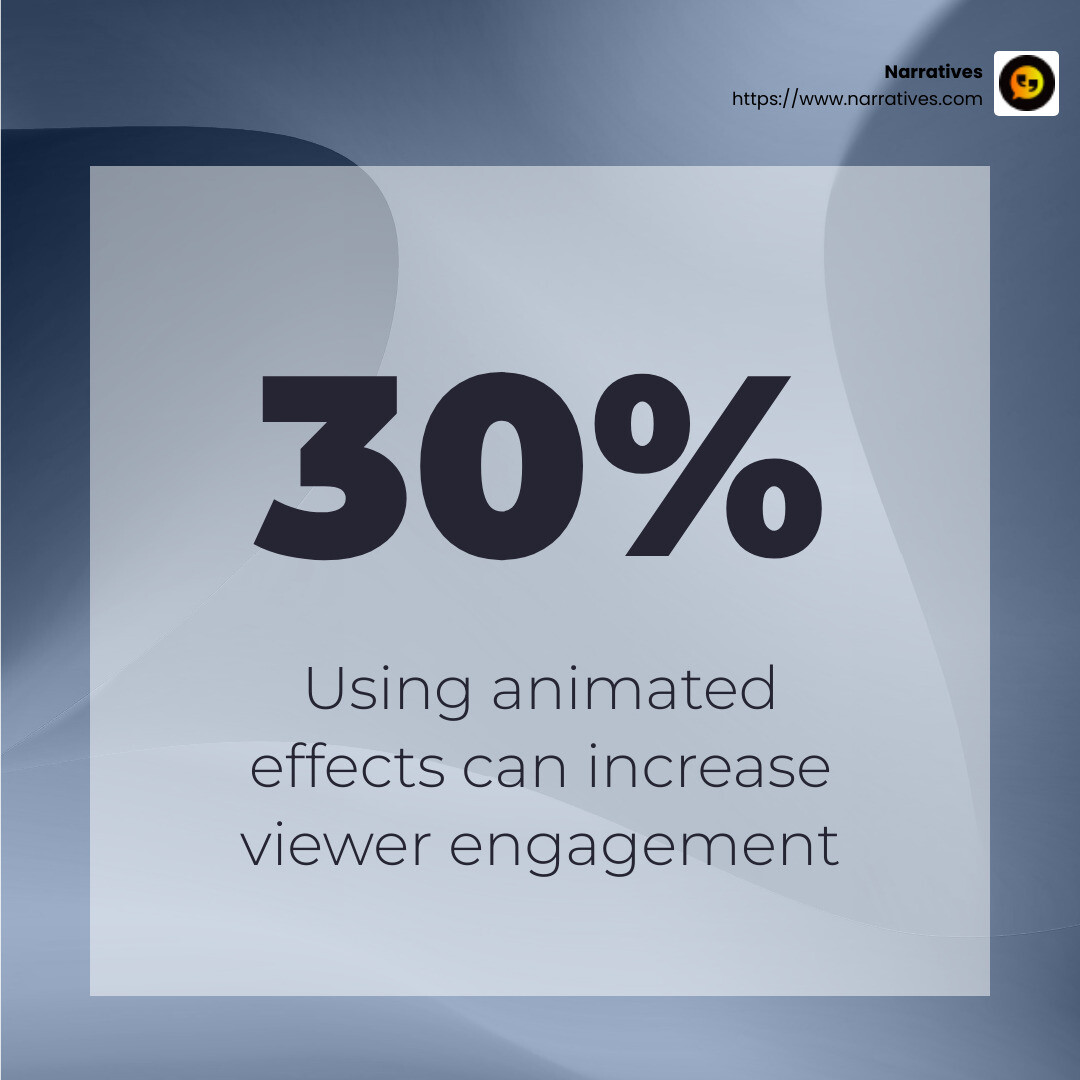
Animated effects can add a dynamic flair to your Reels. These effects can range from simple transitions to complex overlays that engage viewers.
Transitions: Smooth transitions between clips keep your audience engaged and can highlight changes in scenes or moods. Using effects like fade-ins, wipe transitions, or zooms can make your Reels more professional and visually appealing.
Text and Graphics: Animated text overlays, such as 'link in bio' or your Instagram handle, can guide viewers and emphasize important messages. Combining these with animated graphics can create a more interactive experience.
Video Speed Adjustment
Adjusting the speed of your video can create dramatic effects and highlight key moments.
Slow Motion: Use slow motion to emphasize a particular action or moment. This technique is great for showcasing details that might otherwise be missed at normal speed.
Timelapse: Speeding up footage can show processes or changes over time, like the setting sun or busy city life. It's a great way to tell a story in a condensed timeframe.
AI Voiceovers
AI voiceovers are a game-changer for those looking to add narration to their Reels without the need for recording equipment.
Realistic Narration: AI tools provide human-sounding voiceovers that can narrate your video smoothly. With over 400 voices available, you can choose one that fits your video's tone and style.
Language Flexibility: Create Reels in multiple languages to reach a broader audience. AI voiceovers can narrate in various languages, making your content accessible worldwide.
By incorporating these advanced techniques, your Reels will not only capture attention but also provide a memorable viewing experience. In the next section, we'll share top tips for creating engaging Reels that keep your audience coming back for more.
Top Tips for Creating Engaging Reels
Creating engaging Instagram Reels isn't just about capturing moments; it's about presenting them in a way that captivates your audience. Here are some top tips to make your Reels pop with trendy templates, cinematic filters, and engaging transitions.
Trendy Templates
Templates are your best friend when you're short on time or inspiration. They provide a ready-made structure that you can personalize, ensuring your content remains fresh and appealing.
Copyright-Free Options: Start with templates that are free from copyright restrictions. This gives you a wide range of creative freedom without the risk of infringement.
Customization: Use the content library to swap in your own photos, videos, and brand logos. This helps maintain your unique style while benefiting from the structure the template provides.
Cinematic Filters
Filters can dramatically change the look and feel of your video, making ordinary footage look extraordinary.
Color Grading: Use cinematic filters to adjust the color and mood of your video. This technique can evoke emotions and set the tone for your story.
One-Click Improvements: Filters like Duotone or greyscale can be applied with a single click, allowing you to experiment quickly and find the best look for your Reel.
Engaging Transitions
Transitions are the unsung heroes of video editing, providing a seamless flow from one clip to another.
Smooth Flow: Use transitions like fade-ins, slide-ins, or spin effects to keep your audience glued to the screen. A well-placed transition can make your Reel look more polished and professional.
Highlight Changes: Transitions can also emphasize changes in scenes or moods, guiding viewers through your narrative without losing their interest.
By integrating these elements into your reel video making process, you'll create visually stunning Reels that engage and entertain your audience. Up next, we'll tackle frequently asked questions about reel video making to help you steer any challenges you might face.
Frequently Asked Questions about Reel Video Making
How can I upload my video files into the Reel maker?
Uploading video files into the Reel maker is straightforward. Start by opening your Clip Maker tool. Here’s a quick guide:
Access the Upload Option: Locate the upload button, usually marked by an arrow or a plus sign. Click on it to open your device's file explorer.
Select Your Files: Choose the video files you want to upload. You can select multiple files at once to streamline the process.
Drag and Drop: Alternatively, you can drag your files directly into the Clip Maker window. This is a quick way to get your content ready for editing.
Once your videos are uploaded, you can start editing right away!
Can I make Reels with existing videos?
Absolutely! Reusing existing videos is a smart way to create new content without starting from scratch.
Clip Maker Features: Use the Clip Maker to trim, cut, and rearrange your existing footage. This tool is designed to make video editing simple, even for beginners.
Content Library: Access the content library to add additional elements like music, text, or graphics to improve your videos. Mixing old footage with new effects can give your Reels a fresh look.
Does Narratives have a mobile app?
Yes, Narratives offers a mobile app that makes video editing on the go a breeze. Here are some key features:
Video Editing: The mobile app includes powerful editing tools that allow you to cut, trim, and add effects right from your phone.
User-Friendly Interface: Designed with simplicity in mind, the app's interface is intuitive, making it easy for anyone to start editing immediately.
Sync with Desktop: Any projects you start on the mobile app can be seamlessly continued on your desktop, ensuring flexibility in your reel video making workflow.
With these tools and features, creating compelling Reels is easier than ever, whether you're using a desktop or mobile device.
Conclusion
As we wrap up our guide on reel video making, highlight the role of Narratives in the digital storytelling landscape. Our mission is to empower non-profits and purpose-driven organizations to share their impactful stories through high-quality video content.
Narratives isn't just about creating videos; it's about crafting stories that resonate emotionally and inspire action. We focus on elevating underrepresented voices, helping these organizations build trust and increase their visibility in a crowded digital space.
One of our key strategies is fostering non-profit partnerships. By collaborating with organizations that promote social good, we ensure that their stories reach a broader audience. This approach not only amplifies their missions but also reinforces our commitment to social impact and community-driven storytelling.
With the power of Instagram Reels and other digital platforms, we aim to transform how these stories are told. From using AI tools for seamless editing to leveraging templates for creative inspiration, the possibilities are endless.
If you're interested in learning more about how Narratives can help your organization share its story, explore our services and see how we can partner to make a difference.
Together, let's harness the power of digital storytelling to create a more inclusive and impactful world.


.avif)