Edit Like a Pro: Top Video Editing Software Reviewed
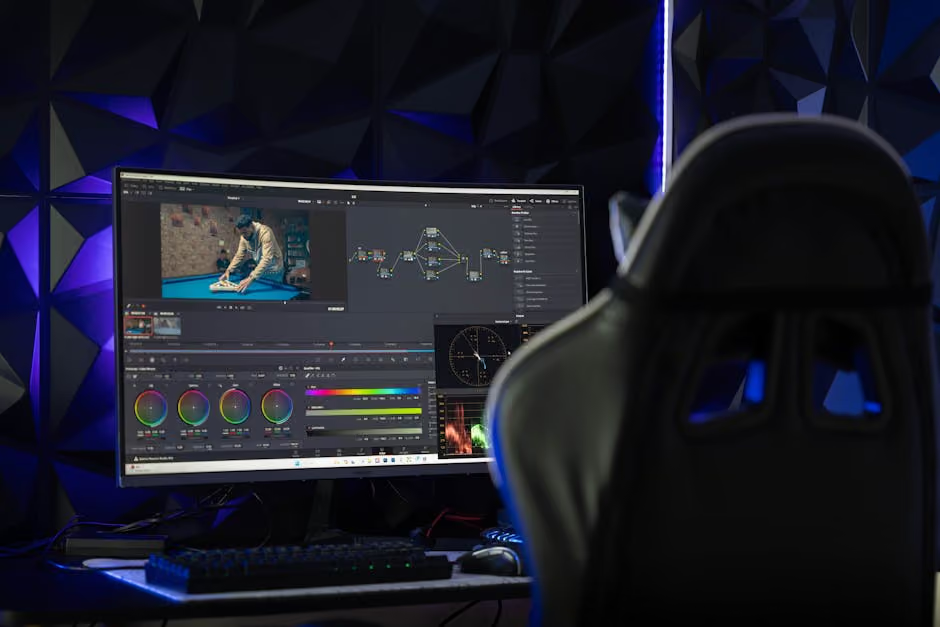
Video editing software is a game-changer for storytellers across sectors, including non-profits aiming to amplify their mission. Imagine turning raw footage into compelling narratives that resonate, lift your cause, and mobilize support. Whether you're in advocacy, DEI, or social justice, professional-quality video can engage audiences and drive impact.
Here’s a quick answer to guide you:
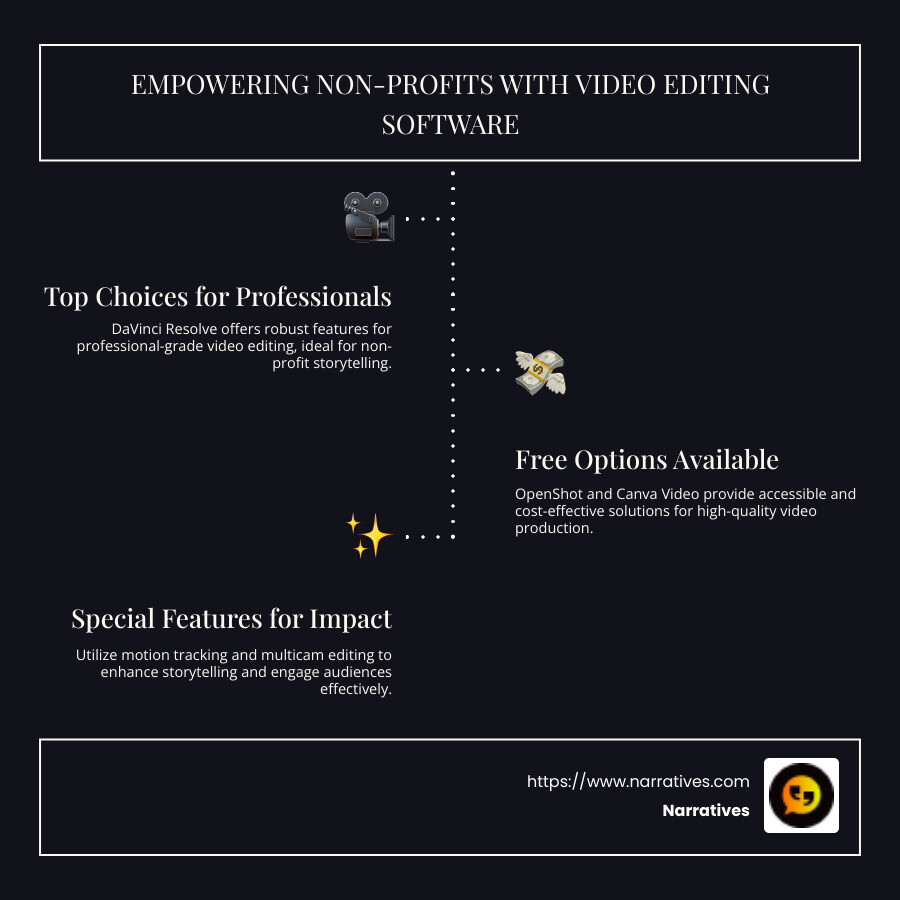
- Top Choices: DaVinci Resolve for professionals, Lightworks for beginners.
- Free Options: OpenShot, Canva Video.
- Special Features: Motion tracking, multicam editing.
Non-profits know their work matters but often struggle to craft compelling content with limited resources. Video editing software bridges this gap, making high-quality production accessible for values-driven teams focused on ethical storytelling and emotional impact.
Key terms for video editing software:
Understanding Video Editing Software
Professional video editing is no longer just for Hollywood studios. Today, even small businesses and non-profits can create high-quality videos thanks to advanced video editing software. These tools offer features that were once only available to professional editors. From creating intricate visual effects to editing multiple camera angles, the capabilities are extensive.
One of the standout features of modern video editing software is the drag-and-drop interface. This intuitive approach allows users to easily move video clips, audio, and effects around the timeline. It's like assembling a puzzle, where each piece can be adjusted until the picture is just right. This interface is designed to be user-friendly, enabling even beginners to start editing without feeling overwhelmed.
Another powerful tool in video editing software is the availability of customizable templates. These templates serve as a starting point, offering predefined styles and formats that you can tweak to fit your project. Whether you're creating a marketing video or a personal vlog, templates help streamline the process, saving time and effort. They ensure consistency in style and quality, which is crucial for maintaining a professional look.
For those looking to dive deeper into video editing, many software options offer advanced features like motion tracking and multicam editing. Motion tracking allows you to attach text or effects to moving objects, making your videos more dynamic and engaging. Multicam editing, on the other hand, lets you switch between different camera angles seamlessly, which is perfect for interviews or live events.
With all these features, video editing software empowers users to tell their stories in a visually compelling way. Whether you're a seasoned editor or just starting out, these tools provide the flexibility and power needed to create videos that stand out.
Top Free Video Editing Software of 2025
When it comes to free video editing software, 2025 offers a range of impressive tools that cater to both beginners and experienced editors. Let's explore some of the top contenders: OpenShot, Canva Video, DaVinci Resolve, and Adobe Express Video Editor.
OpenShot
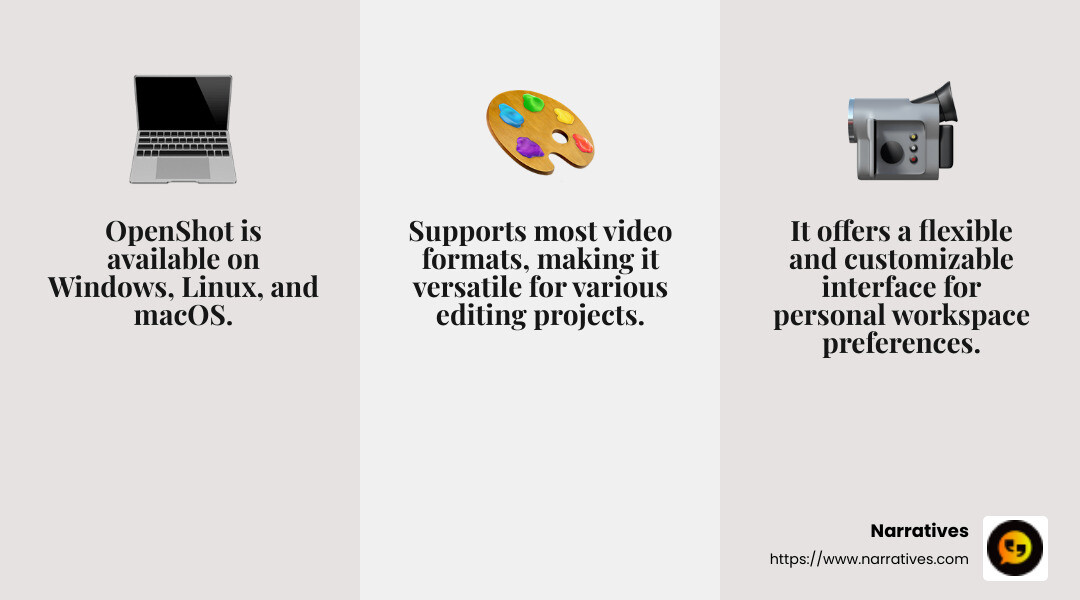
OpenShot is an open-source video editing software that's perfect for those who want to create professional-looking videos without spending a dime. It runs on Windows, Linux, and macOS, making it accessible to a wide audience. OpenShot's interface is flexible and customizable, allowing users to tailor their workspace to their preferences.
While OpenShot offers a variety of effects and animations, it does have some drawbacks. Transitions can be complex to manage, and Mac users might face some challenges due to software issues. However, with consistent updates, OpenShot continues to improve, making it a popular choice for both beginners and seasoned editors.
Canva Video
Canva Video is ideal for those who need to create quick and professional-looking short videos for social media. Its drag-and-drop interface is reminiscent of Canva's graphic design tool, making it intuitive for users familiar with the platform. While it doesn't offer Hollywood-level editing tools, it excels at helping users produce shareable content with ease.
Canva Video supports exporting to MP4 and GIF formats, making it perfect for online influencers and small businesses. It's a great tool for creating visual media that can be shared quickly without the need for extensive editing knowledge.
DaVinci Resolve
DaVinci Resolve is often hailed as one of the best free video editing software options available. Developed by Blackmagic Design, it offers professional-grade tools that rival industry standards. Whether you're editing a feature-length film or a short social media clip, DaVinci Resolve provides a comprehensive suite of features.
Its node-based editing and color correction tools might take some getting used to, but they offer incredible control and precision. DaVinci Resolve also includes Fusion, a free VFX app, making it an all-in-one production tool for video editors and visual artists.
Adobe Express Video Editor
Adobe Express Video Editor is designed for those who want to create videos quickly and easily. With its simple interface, users can cut, crop, and trim footage right in their browser. It's particularly useful for creating social media content, thanks to its built-in resizing options for platforms like TikTok, Instagram, and Facebook.
Adobe Express offers a range of animated effects and royalty-free soundtracks, allowing users to improve their videos without needing extensive editing experience. It's a great choice for anyone looking to produce visually appealing videos without diving into complex software.
In summary, whether you're a beginner or an experienced editor, 2025's top free video editing software options offer a variety of features and tools to help you create stunning videos. From OpenShot's flexibility to DaVinci Resolve's professional-grade capabilities, there's something for everyone.
Best Video Editing Software for Beginners
Starting out with video editing software can feel overwhelming, but the right tools make a huge difference. Let's explore some of the best options for beginners that are easy to use and packed with features.
Adobe Premiere Elements
Adobe Premiere Elements is perfect for beginners who want to add a touch of professionalism to their home videos. Its interface is similar to Adobe Premiere Pro, but it's much simpler. You can easily apply effects and explore Guided Edits without getting lost in complex features. This makes it a great stepping stone for those who might later transition to more advanced software.
Premiere Elements is designed for "memory keepers"—those who want to preserve family events with style. It offers a three-year license, which is more affordable than a full Adobe subscription. However, it lacks multicam support, which might be a drawback for some users.
Filmora
Wondershare Filmora is another excellent choice for beginners. It's known for its user-friendly interface and affordability. Filmora is loaded with special effects, overlays, and animations to make your videos pop. The software also includes AI tools like speech-to-text and audio-syncing for multicam editing.
One standout feature is its ability to translate and dub videos into multiple languages, making it ideal for creators targeting a global audience. Filmora offers both annual subscriptions and perpetual licenses, giving you flexibility in how you choose to pay.
Clipchamp
Clipchamp is a fantastic tool for beginners, especially those focused on social media content. It's included with Windows and offers a slick interface with generous templates. Clipchamp excels in making short, compelling videos quickly, thanks to its AI-powered tools like speech-to-text auto-captioning.
While it's great for short projects, Clipchamp's exports can be slow, and some features require a subscription. It's perfect for social marketers who want to produce content without getting bogged down by technical details.
CyberLink PowerDirector
CyberLink PowerDirector is often praised as the best beginner-friendly video editor. It offers a relaxed interface with professional-grade features. PowerDirector supports everything from simple clip trimming to more advanced tasks like multicam editing and keyframed effects.
What sets PowerDirector apart is its blend of ease-of-use and powerful tools. It's great for YouTubers and serious video enthusiasts who don't want to pay for a subscription. You can opt for a one-time license, making it a cost-effective choice for those who want to avoid ongoing fees.
Whether you're editing family memories with Adobe Premiere Elements or creating social media content with Clipchamp, these beginner-friendly video editing tools offer a variety of features to help you create stunning videos with ease.
Advanced Features in Video Editing Software
Now, let's explore the advanced features that lift your video projects to the next level. These tools are not just for the pros; many are accessible to anyone willing to explore.
Extensive Effects and Filters
Modern video editing software comes packed with a wide range of effects and filters. These tools let you transform ordinary footage into something extraordinary. For instance, you can apply color correction filters to improve the mood of your video or use creative distortions to add a unique twist.
Many software options also offer animated transitions, which are perfect for making smooth scene changes. Picture-in-picture (PiP) and chroma-key (green screen) capabilities allow for more complex compositions, making your videos look more professional.
AI Tools
Artificial Intelligence (AI) is revolutionizing video editing. AI tools can automate tedious tasks, like motion tracking, which lets you attach effects or text to moving objects. This was once a feature only available in high-end software like Adobe After Effects, but now it's accessible in consumer-level products.
AI-powered speech-to-text and text-to-speech tools are also becoming standard. These features are invaluable for creating captions quickly or generating voice-overs without needing a voice actor. Wondershare Filmora, for example, can even generate sound effects based on text prompts.
Animated Effects
Animated effects can bring a dynamic flair to your videos. These include text animations, where titles and captions can move or change in eye-catching ways. Advanced software often includes libraries of pre-made animations that you can easily apply.
For those who want to dive deeper, some software allows you to create custom animations. This means you can control every aspect of the animation, from timing to movement paths, giving you full creative control.
Incorporating these advanced features into your video projects can significantly improve their quality and appeal. Whether you're using AI tools to streamline your workflow or applying extensive effects to captivate your audience, these features make it easier than ever to edit like a pro.
Frequently Asked Questions about Video Editing Software
What is the best free video editing software?
When it comes to free video editing software, a few names stand out. DaVinci Resolve is a top choice for many. It's packed with professional-grade tools, including advanced color correction and audio editing features. Despite its complexity, it offers a free version that rivals even some paid options. Many YouTubers and filmmakers use it, and it has been part of projects like Avatar and Dune.
Another great option is OpenShot. It's known for its user-friendly interface and straightforward drag-and-drop functionality. OpenShot makes it easy to trim, slice, and animate video clips, making it a favorite for beginners and those looking for simplicity.
How can I edit videos online for free?
If you're looking to edit videos online without any cost, Adobe Express and Canva Video are excellent tools. Adobe Express offers an easy-to-use online editor that allows you to create videos quickly, using customizable templates and a library of royalty-free soundtracks. You can easily trim, crop, and add text animations right from your browser.
Canva Video is another powerful online editor. Known for its design capabilities, Canva extends those features to video editing. You can choose from a wide array of templates, add text, and incorporate graphics effortlessly. It's perfect for creating engaging social media content.
What software is best for YouTube video editing?
For those aiming to produce YouTube content, Adobe Premiere Pro and CyberLink PowerDirector are excellent choices. Adobe Premiere Pro is an industry standard, offering a comprehensive suite of tools for detailed editing. It integrates seamlessly with other Adobe products, providing a streamlined workflow for content creators.
CyberLink PowerDirector is another popular option, especially for those who want speed and ease of use. It offers a robust set of features, including multi-cam editing and 360-degree video support. Its fast rendering times make it ideal for quickly turning around YouTube videos.
Whether you're a beginner or a seasoned creator, these tools provide the features needed to produce high-quality videos for any platform.
Conclusion
Narratives is more than just a company; it's a movement towards impactful storytelling. Our mission is to lift underrepresented voices through the power of video and multimedia content. By partnering with non-profits and purpose-driven organizations, we help share stories that inspire action, build trust, and increase visibility.
Video content is a powerful tool for creating social impact. Through community-driven storytelling, we bring to light the challenges and triumphs of communities that often go unheard. With expertly crafted videos, we can showcase the real stories behind the statistics, humanizing issues and prompting meaningful change.
Our approach is simple: use high-quality video editing to tell stories that matter. By leveraging the latest video editing software, we ensure that each story is not only heard but felt. Whether it's through stunning visuals, stirring narratives, or compelling calls to action, our content resonates on a deeper level.
We invite you to learn more about how Narratives can be your digital storytelling partner. Together, we can create content that makes a difference. Learn More about how we can help you share your story with the world.
Join us in this journey of storytelling for social change. Let's make an impact, one video at a time.
.avif)