The Art of Impact: Creating Visuals That Captivate

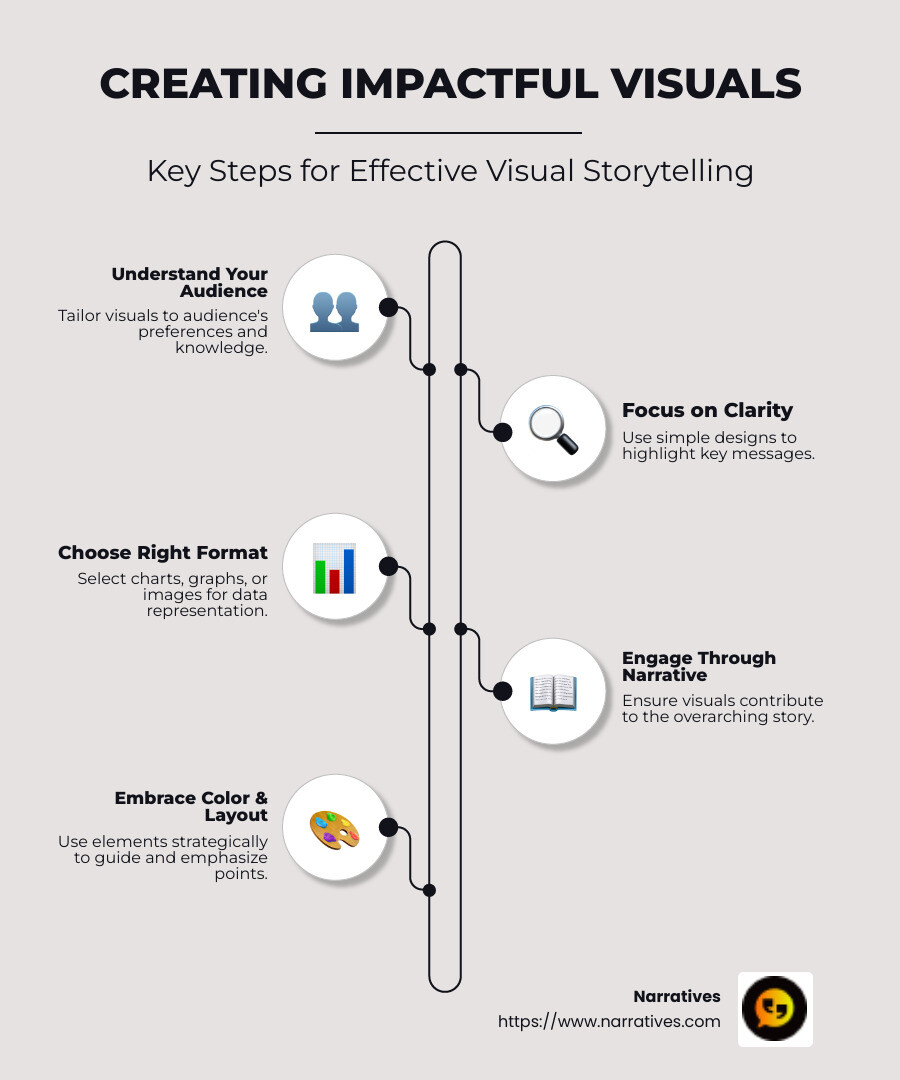
Creating impactful visuals is the heart of compelling storytelling and effective data communication. For those looking to harness the power of visuals, here’s a quick guide to get started:
- Understand your audience: Tailor visuals to their preferences and knowledge levels.
- Focus on clarity: Use simple designs that highlight key messages without overwhelming viewers.
- Choose the right format: Use charts, graphs, or images that best represent your data or story.
- Engage through a narrative: Ensure each visual element contributes to the overarching story.
- Accept color and layout: Use these elements strategically to guide the viewer’s eye and emphasize key points.
In today’s visual-driven world, the art of creating impactful visuals can turn complex information into digestible and memorable stories. Imagine visuals not just as embellishments, but as essential tools that breathe life into data and narratives. As the saying goes, "A picture is worth a thousand words," a notion that is especially true when conveying information quickly and effectively.
Foremost, visuals must captivate the audience from the get-go, whether it's through data visualization or a gripping narrative. From non-profits seeking to amplify their mission to agencies crafting advocacy campaigns, a well-designed visual can be the difference between fleeting attention and lasting impact. Let us guide you on this journey from ordinary charts to extraordinary narratives.
Similar topics to Creating impactful visuals:
The Importance of Creating Impactful Visuals
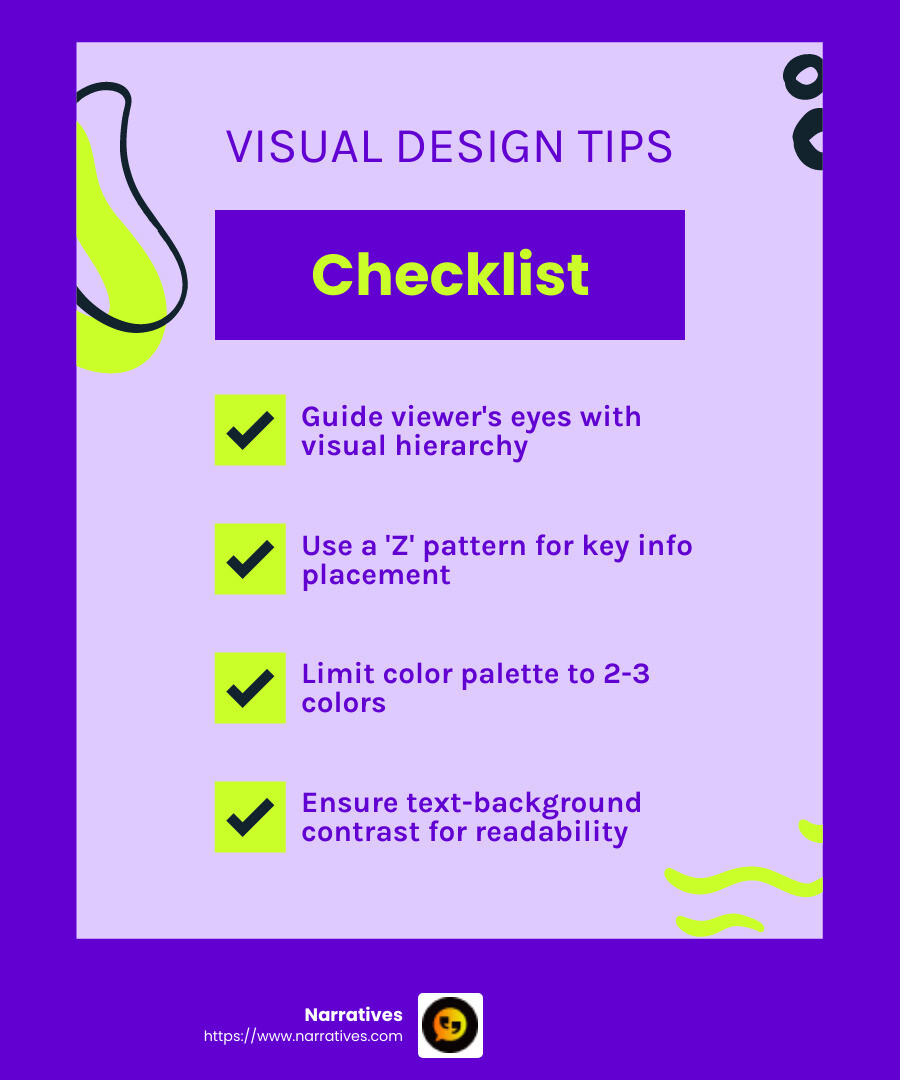
Creating impactful visuals starts with understanding the visual hierarchy. This is all about guiding your viewer's eyes to the most important parts of your presentation. A simple way to achieve this is by using the "Z" pattern—our eyes naturally follow this path, starting at the top left, moving to the top right, then diagonally to the bottom left, and finally to the bottom right. Place your key information along this path to ensure it's seen first.
Another crucial element is your color scheme. Colors do more than just make your presentation look good—they can highlight important points and direct attention. Stick to a limited color palette. Use one or two primary colors and one or two complementary colors. This keeps your design consistent and aligned with your brand identity. High contrast between text and background is essential for readability. Think of the classic black text on a white background, a combination that's easy on the eyes and accessible to all, including those with visual impairments.
Font choices also play a vital role in making your visuals impactful. Fonts communicate beyond words—they can set the tone of your presentation. Stick to one or two fonts throughout your presentation. Sans serif fonts, like Arial and Calibri, are easier to read on screens and give a modern feel. Serif fonts, like Palatino and Garamond, can add an neat touch. Use bold text to emphasize points, as it's cleaner and more effective than underlining.
Incorporating these elements thoughtfully can transform your visuals from ordinary to extraordinary. They help in making complex information not only understandable but also memorable. By focusing on visual hierarchy, color schemes, and font choices, you ensure that your presentation leaves a lasting impression.
As we dig deeper into the principles of design, the ultimate goal is to tell a story that resonates with your audience and leaves a meaningful impact.
Key Principles for Effective Visuals
Design Principles
Creating impactful visuals hinges on understanding core design principles. These principles guide how elements are placed on a slide, ensuring clarity and effectiveness.
Balance: Ensure that your visuals are balanced. Symmetrical designs are stable and formal, while asymmetrical ones can add interest and energy.
Alignment: Keep elements aligned to create a clean look. This helps in organizing your content and makes it easier for the audience to follow.
Contrast: Use contrast to highlight important information. This can be through color, size, or shape, making sure key points stand out.
Repetition: Repeat certain design elements to create unity. This could be using the same color scheme, fonts, or styles throughout your presentation.
Proximity: Group related items together. This helps the audience understand that these elements are connected.
Layout Design
The layout of your visuals can make or break your presentation. A well-thought-out layout guides your audience smoothly through your content.
Grid Systems: Use grid systems to structure your slides. They help maintain consistency and alignment.
White Space: Don't be afraid of white space. It gives your content room to breathe and prevents the slide from feeling cluttered.
Focal Points: Create focal points to draw attention to the most important parts of your slide. This can be done using size, color, or placement.
Simplicity
Simplicity is key to effective visuals. Overloading slides with too much information can overwhelm your audience and dilute your message.
Minimal Text: Use minimal text. Aim for bullet points or short sentences that convey your message quickly.
Clear Images: Choose high-quality, relevant images. They should support your message, not distract from it.
Simple Charts: When using data, opt for simple charts that are easy to understand at a glance. Avoid overly complex graphs that require too much explanation.
By adhering to these principles, you create visuals that are not only aesthetically pleasing but also powerful in conveying your message. The goal is to improve understanding and retention, making your presentation both impactful and memorable.
As we explore tools and techniques for visual storytelling, consider how these principles can be applied using different platforms to create engaging and effective presentations.
Creating Impactful Visuals for Non-Profits
Emotional Resonance
Creating impactful visuals for non-profits is all about connecting with the heart. Non-profits often aim to evoke empathy and inspire action. Visuals that resonate emotionally can transform a passive viewer into an active supporter. Consider using images that tell a story of hope, struggle, or triumph. For example, a non-profit focused on community development might use before-and-after photos to show the tangible impact of their work.
Storytelling
Storytelling is a powerful tool in the non-profit sector. It turns statistics into stories and numbers into narratives. By weaving a compelling story through visuals, non-profits can convey their mission and impact in a relatable way. A simple yet effective approach is to highlight individual stories within the community.
Imagine a slide showing a smiling child with a caption: "Meet Maria, who now has access to clean water thanks to your support." This personal touch can make the cause feel more immediate and real.
Community-Driven
Non-profit visuals should be community-driven, emphasizing the collective effort and shared goals. Highlight the community's role in the journey, whether it's through volunteer efforts, local partnerships, or community events. This not only acknowledges the community's contributions but also fosters a sense of belonging and ownership.
Use visuals like group photos or community event snapshots to showcase the unity and collaboration within the community. This approach not only celebrates the community but also invites others to join the cause.
By focusing on emotional resonance, storytelling, and community-driven visuals, non-profits can create presentations that not only inform but also inspire. The next step is to explore tools and techniques that can bring these principles to life, making your visual storytelling even more impactful.
Tools and Techniques for Visual Storytelling
Creating impactful visuals is an art, and having the right tools can make all the difference. Let's explore three powerful tools that can lift your visual storytelling: PowerPoint, Tableau, and Canva.
PowerPoint
Microsoft PowerPoint is a staple in presentations. It's versatile and user-friendly, making it a go-to for many professionals. PowerPoint allows you to incorporate various interactive elements, such as hyperlinks, animations, and transitions, which can engage your audience and make your presentation more dynamic.
One standout feature is its compatibility with add-ins like Datawrapper, which lets you embed live-updating charts and maps. This ensures that your presentation always reflects the most current information, a crucial aspect for maintaining credibility and relevance.
Tableau
For data-heavy storytelling, Tableau is a powerful ally. Known for its robust data visualization capabilities, Tableau allows you to transform complex datasets into clear, interactive visuals. It's particularly useful for creating dashboards that provide a comprehensive view of your data.
Tableau's strength lies in its ability to handle large volumes of data and present them in a way that's easy to understand. This makes it ideal for organizations that need to communicate data-driven insights to their audience. By using Tableau, you can make data the hero of your story, guiding your audience through the narrative with clarity and precision.
Canva
Canva is a favorite among non-designers for its simplicity and wide range of templates. It's perfect for creating visually appealing graphics without the need for advanced design skills. Canva offers a plethora of design elements, including fonts, icons, and images, that can be easily dragged and dropped into your project.
One of Canva's strengths is its collaboration feature, which allows multiple users to work on a design simultaneously. This is particularly useful for teams working on a project together, ensuring that everyone's input is considered.
These tools—PowerPoint, Tableau, and Canva—offer unique features that can improve your visual storytelling. Whether you're presenting data, crafting a compelling narrative, or designing eye-catching graphics, choosing the right tool can help you create visuals that captivate and engage your audience.
Next, we'll dive into frequently asked questions about creating impactful visuals, addressing common concerns and providing practical tips for success.
Frequently Asked Questions about Creating Impactful Visuals
What is important when presenting visuals?
When presenting visuals, clarity is key. Your audience should immediately understand the main message without wading through clutter. Use clear labels and concise text to guide viewers. This ensures that your visuals are not just seen, but understood.
Audience engagement is another crucial element. To keep your audience interested, incorporate elements that invite interaction. This could be as simple as asking questions or using interactive charts that allow for exploration of data.
How to create an effective presentation using audio visuals?
Audio-visual integration can lift a presentation from good to great. Combining visuals with audio elements like voiceovers or sound effects can add depth to your message. Use these tools wisely to reinforce key points without overwhelming your audience.
Presentation tools like PowerPoint offer features such as animations and transitions to make your presentation more dynamic. These elements should complement your visuals, not distract from them. Simplicity often leads to the most impact.
What are examples of impactful visuals?
Infographics are a powerful way to present complex information. They combine visuals and text to tell a story that is both informative and engaging. Infographics are ideal for summarizing data or processes in a way that's easy to digest.
Data charts are another example of impactful visuals. They transform numbers into visual stories, making patterns and trends easier to spot. When designing data charts, it's important to choose the right type of chart for your data and use colors strategically to highlight key insights.
Creating impactful visuals involves a mix of clarity, engagement, and the right tools. By focusing on these elements, you can design presentations that not only inform but also captivate your audience.
Conclusion
In the field of digital storytelling, the art of creating impactful visuals cannot be overstated. At Narratives, we understand the power of visuals in changing a simple message into a compelling story. Our work with non-profits and purpose-driven organizations is rooted in the belief that every story has the potential to inspire action and drive change. By focusing on non-profit partnerships, we help amplify voices that often go unheard, ensuring their stories resonate with a wider audience.
Narratives is committed to elevating underrepresented voices through high-quality, emotionally resonant video and multimedia content. This approach not only builds trust but also increases visibility for the causes we support. In a world overflowing with information, creating visuals that captivate and engage is crucial. By partnering with us, non-profits can leverage the power of storytelling to share their impact stories in a way that truly connects with their audience.
Our strategy is simple yet effective: focus on storytelling, emphasize emotional resonance, and prioritize community-driven narratives. This approach not only differentiates us from others but also ensures that the stories we tell are memorable and impactful. By using visuals wisely, we help non-profits turn complex data into clear, engaging narratives that inspire and inform.
For more information on how Narratives can help your organization create impactful visuals, visit our Learn More page. Together, we can transform your storytelling efforts and make a lasting impact.


.avif)